
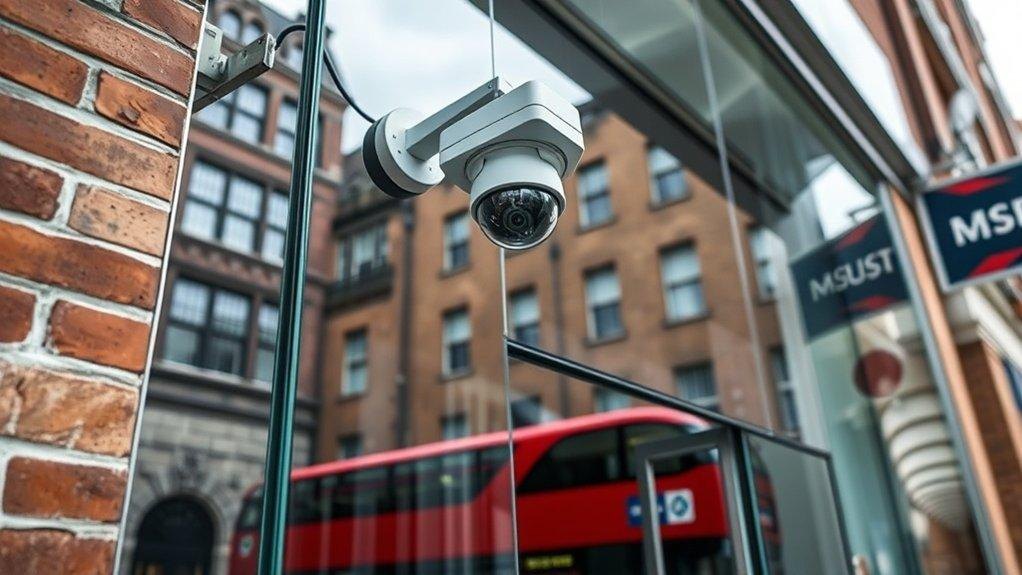
A good home CCTV system is less about the number of cameras and more about whether each one shows something useful. These are the questions we ask on every home survey.
1. What do you actually want to see?
Start with the places that matter: the front door, the drive, side access and the back garden. For each one, decide whether you need to identify a face or number plate or simply see that someone is there. Identification needs a camera closer to the spot, with a narrower lens; general views can use wider lenses and cover more ground.
2. How good does the picture need to be?
Resolution helps, but lens choice, mounting height and lighting matter just as much. A 4K camera pointed at a bright sky will still give poor faces. On a survey we check where the light comes from at different times of day and choose positions that avoid glare.
3. Will it work at night?
Most incidents happen after dark. Look for cameras with good low-light performance: infrared gives clear black-and-white footage, while colour night-vision models use a small white light or a very sensitive sensor. Motion-activated lighting can help too.
4. Wired or wireless?
Battery and Wi-Fi cameras are quick to fit but depend on charging and a strong signal. Wired PoE cameras take power and data down one cable to a recorder, record continuously and are far more reliable. For most houses we recommend wired cameras with neat external cable routes.
5. Where is the footage stored, and for how long?
A network video recorder (NVR) keeps footage inside your home and does not need a subscription. Storage time depends on the number of cameras, resolution and how much movement there is. Two to four weeks is a common target for homes.
6. Can you see it on your phone?
Remote viewing lets you check live and recorded footage and receive alerts when someone approaches. It should be set up with strong, unique passwords and up-to-date firmware so the system stays secure.
7. Think about neighbours and privacy
Point cameras at your own property where you can. If a camera captures areas beyond your boundary, such as the street or a neighbour’s garden, UK data protection rules can apply. The Information Commissioner’s Office (ICO) publishes guidance for people using domestic CCTV, and we position cameras to keep views focused on your property.
Quick checklist
- List the areas you want to cover and whether you need faces or general views.
- Check night performance, not just daytime resolution.
- Choose wired cameras where possible for reliability.
- Agree how long footage should be kept.
- Set up secure remote viewing.
- Keep views on your own property.
If you would like advice for your home, we offer a free survey and a written, no-obligation quote.
Free survey and written quote
Tell us about your property and we will call you back to arrange a free survey.