
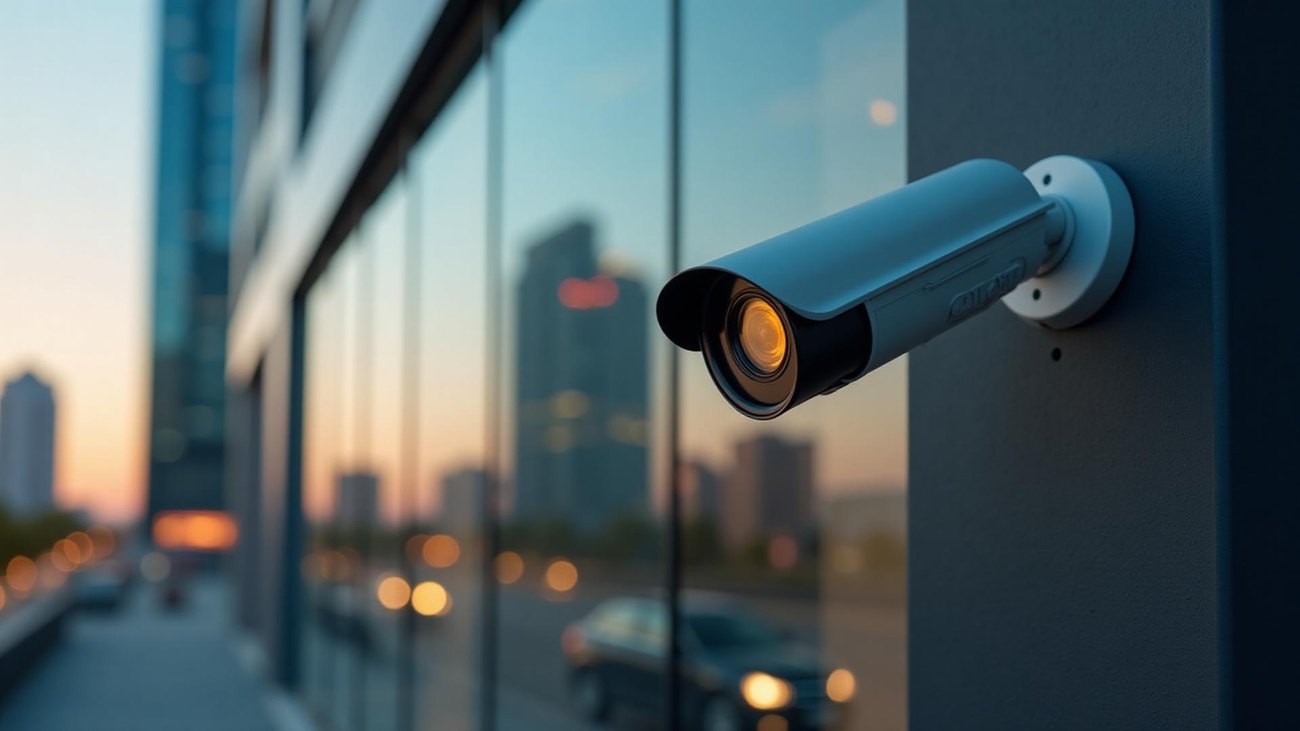
CCTV helps businesses protect staff, stock and premises, but footage of people is personal data. These are the basics UK business owners most often ask about. This article is general information, not legal advice; the ICO’s guidance on video surveillance is the authoritative source.
Have a clear reason for each camera
Decide what each camera is for, such as protecting the entrance, the till or the yard, and keep views focused on that purpose. Avoid pointing cameras into private spaces such as toilets or changing areas.
Tell people CCTV is in use
Display clear signs at entrances and in covered areas, saying that CCTV is in operation and who to contact about it.
Keep footage only as long as you need it
Set a retention period that matches your purpose, often around 30 days, and let older footage overwrite automatically. If an incident happens, export and keep the relevant clip separately.
Control who can view and export footage
Give access only to people who need it, each with their own login. Keep the recorder in a secure, locked place and keep a simple record of when footage is exported and who it is given to.
Requests for footage
People caught on camera can ask for a copy of footage of themselves. Police and insurers may also ask for footage. Know who in your business handles these requests and how to export clips quickly.
Keep the system secure
A CCTV system is a device on your network. Change default passwords, keep firmware updated, and put cameras on their own network (VLAN) separate from staff and guest Wi-Fi. Remote access should use the manufacturer’s secure app or a VPN rather than open ports on the router.
Check whether you need to pay the ICO fee
Most organisations that process personal data, including through CCTV, need to pay a data protection fee to the ICO unless an exemption applies. The ICO website has a short self-assessment.
Summary
- A clear purpose for each camera.
- Signs in covered areas.
- A set retention period.
- Restricted, logged access to footage.
- A process for footage requests.
- A secure, separate network for cameras.
We install commercial CCTV with these points in mind, including separate camera networks and secure remote viewing.
Free survey and written quote
Tell us about your property and we will call you back to arrange a free survey.